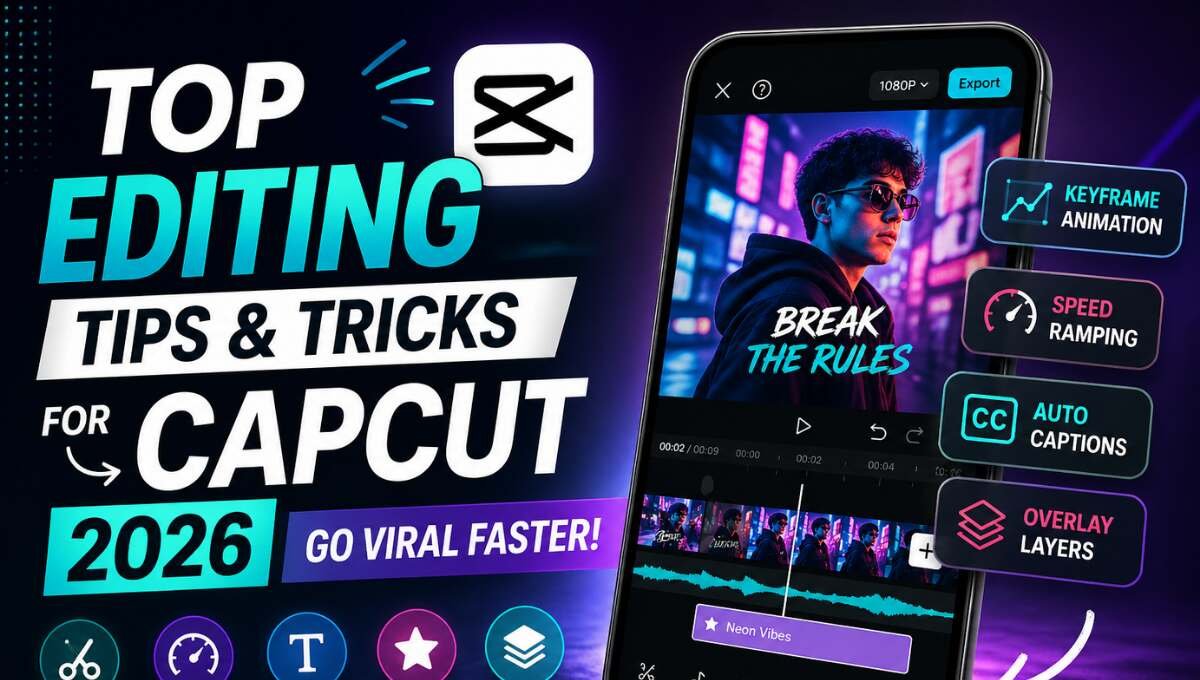
Top Editing Tips & Tricks for CapCut 2026 (Go Viral Faster)
Create stunning videos with CapCut 2026 using pro editing tips & tricks for viral content. Learn keyframes, effects, and export settings easily.
CapCut 2026 is a powerful tool to create quick, professional and viral videos. Short videos are everywhere – on TikTok, Instagram Reels, and YouTube Shorts – so knowing how to edit is more crucial than ever.
To make your videos stand out, you need to know more than how to edit – you need effective tips and tricks that enhance quality, performance and storytelling. Here are the best CapCut tips and tricks that you can use in 2026.
Must-Know CapCut Basics
Before going advanced, you must master the basics. These are the foundation of every good edit.
Timeline Control
Timeline is where all your editing happens. Learn how to arrange clips properly to maintain flow.
Trim and Split Clips
Remove unwanted parts to keep your video clean and engaging.
Shortcut Workflow
Using simple edits faster saves time and improves consistency.
Pro Tip: Clean editing always performs better than over-edited videos.
Explore more here: CapCut vs KineMaster: Best Video Editing App
Pro CapCut Editing Tricks
This is where your videos start looking professional.
Keyframe Animation
Keyframes let you control movement, zoom, and position smoothly. This creates cinematic motion effects.
Speed Ramping
Speed up or slow down specific parts of your video to match music or emotions.
Beat Sync Editing
Cut your clips according to music beats for highly engaging edits.
Match Cuts
Connect two similar scenes for smooth transitions.
Overlay Layering
Add multiple video layers for creative and dynamic effects.
Pro Tip: Subtle effects always look more professional than heavy edits.
Hidden CapCut Features
Most users don’t fully use these powerful tools.
Auto Captions
Automatically generates subtitles to boost engagement.
AI Background Removal
Remove or replace backgrounds without green screen.
Text-to-Speech
Convert text into voice for storytelling videos.
Motion Blur
Adds smoothness to fast movements for cinematic results.
How to Make Viral Videos Using CapCut
If your goal is virality, follow these proven editing strategies.
Strong Hook (First 3 Seconds)
Start your video with something shocking or interesting.
Fast Cuts
Change scenes every 1–2 seconds to maintain attention.
Bold Subtitles
Use large and clear text to highlight key messages.
Trending Sounds
Always use viral audio to increase reach.
Zoom + Shake Effects
Add movement to make videos more dynamic.
Pro Tip: The faster your hook, the higher your retention rate.
Common Editing Mistakes to Avoid
Avoid these mistakes if you want professional results:
- Overusing effects and filters
- Poor audio quality
- Slow and boring pacing
- No clear story or structure
Simple editing always performs better than complicated edits.
Best Export Settings for High Quality
Export settings affect your final video quality.
Resolution
Use 1080p or 4K for sharp visuals.
Frame Rate
- 30fps → normal videos
- 60fps → smooth action videos
Bitrate
Keep it high for better clarity on all platforms.
Pro Tip: Always export in the highest quality possible for social media.
Conclusion
CapCut mod apk is more than an editing tool – it is a full-fledged production studio. In 2026, it’s not what you shoot, but how you edit that matters. Knowing the basics, using advanced editing techniques such as keyframes and speed ramping, and implementing viral editing techniques will significantly enhance your videos. The trick is to use simple, quick and entertaining edits.